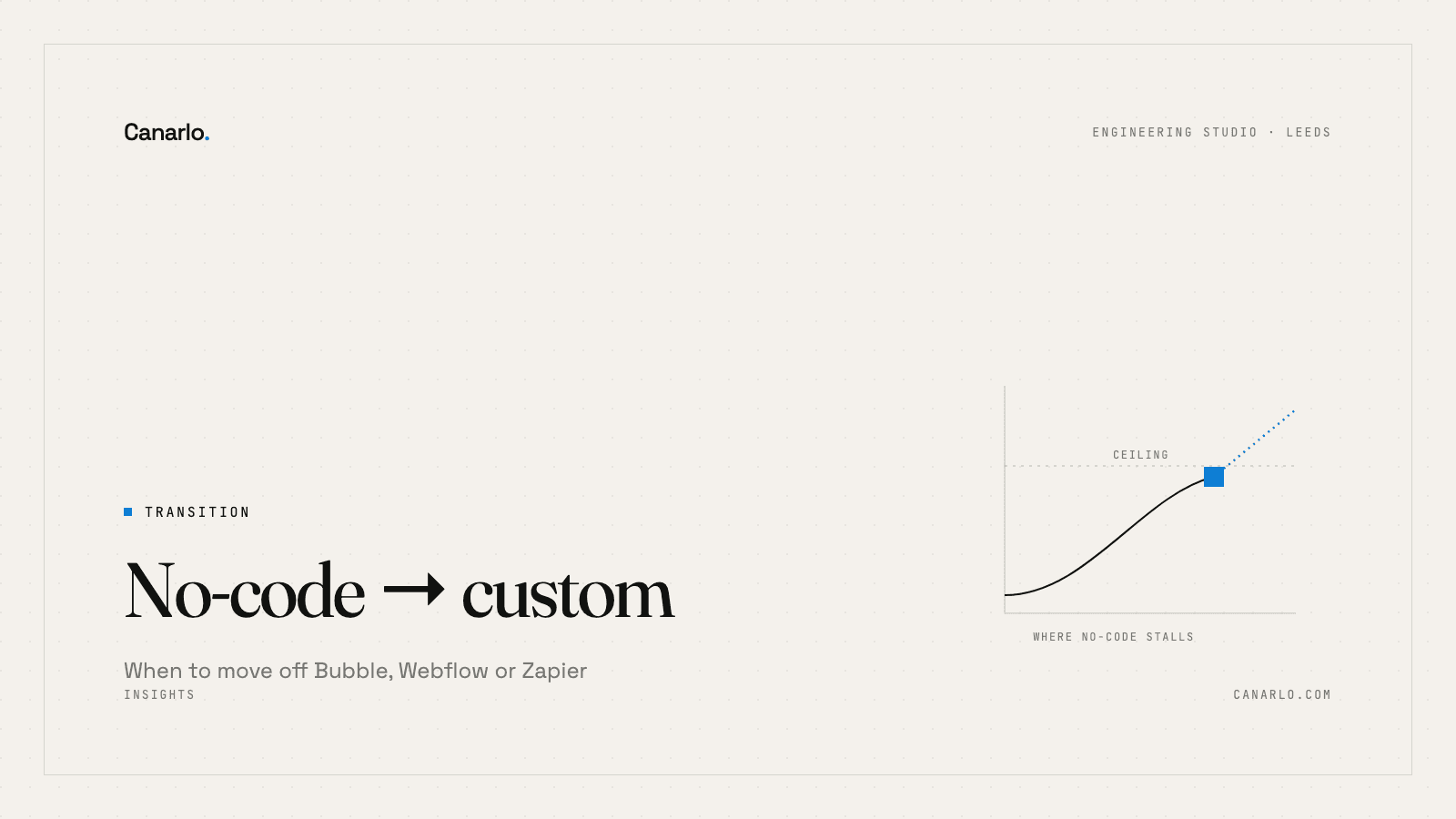
Move to custom when no-code starts costing you more than it saves — in performance, in the logic you can't express, in subscription fees, or in the control you've quietly handed to a vendor. Until then, stay. No-code is the right tool for validating an idea and running a real business on, and leaving too early is as expensive a mistake as leaving too late. Here's how to tell which side of the line you're on.
No-code is genuinely good — that's why this is hard
Bubble, Webflow, Glide, Airtable and Zapier are not toys. Companies run on them. They let you build and change software without a developer, which is exactly what you want when you're still figuring out what the software should do. If your no-code setup is working, the correct move is to keep using it. Switching to custom has a real cost, and you should only pay it when staying costs more.
The signs below are about that crossover — the point where the thing that accelerated you starts to slow you down.
Sign 1: It's getting slow, and you can't fix it
No-code platforms trade performance for convenience. For a long time that's fine. Then your data grows, your pages get heavier, and things that were instant start to lag — a list that takes seconds to load, an automation that times out, a form that stalls under real traffic.
The tell isn't that it's slow. It's that you can't make it faster. On a custom build, performance is a problem you can engineer around. On no-code, you're capped by the platform, and no amount of effort lifts the ceiling.
Sign 2: You're hitting logic walls
Every no-code tool has a boundary where its visual builder runs out. You need a calculation it can't express, a conditional flow it won't model, an integration it doesn't support. So you reach for a workaround — a third tool to bridge a gap, a hidden field doing something it wasn't meant to, a Zap chained to another Zap.
When your system is mostly held together by workarounds, you've already left no-code in spirit. You're now maintaining something fragile and undocumented, which is the worst of both worlds.
Sign 3: The subscriptions are stacking up
No-code is cheap to start and expensive at scale. A founder hitting the limits of one tool typically isn't paying for one tool — they're paying for four, plus the connectors between them, plus a higher tier they upgraded to for a single feature. Add it up across a year. When the annual spend on tools-and-tape approaches what a focused custom build would cost, the economics have already shifted.
Sign 4: Vendor lock-in has become a real risk
Ask a hard question: if this platform doubled its price, changed its terms, or shut down, what happens to you? On no-code, the answer is often "we'd be in serious trouble" — your data, your logic and your customer experience all live inside someone else's product, on their terms. Some lock-in is a fine trade early on. It stops being fine when the thing locked away is critical to the business.
Sign 5: You can't get the data out cleanly
A quieter version of lock-in. When reporting means manual exports, when you can't join data across tools, when the answer to a simple business question takes an afternoon of copy-paste — your tools are now shaping your decisions by what they make easy. That's a sign the platform has become the limiting factor.
How to move without throwing everything away
The fear is a big-bang rewrite — switch everything off, rebuild for months, switch it all back on. Don't do that. The safe path is incremental:
- Move the hot spot first. Find the one workflow that's slowest, most fragile, or most central, and rebuild just that as custom. Leave the rest on no-code.
- Run them side by side. Custom and no-code can share the same data and operate together. You replace piece by piece, not all at once.
- Keep no-code where it's still winning. Marketing sites on Webflow, internal trackers on Airtable — there may be no reason to ever move those. Custom is for the parts that have outgrown the tool, not for tidiness.
Done this way, the transition is a series of small, low-risk steps, each one paying for itself, rather than one expensive leap of faith.
What it costs
The move is rarely a full from-scratch rebuild, because you're only replacing the parts that have hit a wall. A first custom workflow — the one slow or fragile piece — often starts around a focused sprint (from £3k for an automation, more for an app feature). You expand from there, only where the no-code ceiling is actually costing you. The point is to spend on the 10% that's holding you back, not to rebuild the 90% that's working.
One last thing
The goal was never "custom software". It's a business that isn't being held back by its tools. If no-code is still serving you, that's a win — keep the money in your pocket. The moment to move is when you can name the specific wall you keep hitting, not when custom simply sounds more grown-up.
If you can name that wall and want a view on what it'd take to get past it, book a call — no pitch, just a conversation about where you're stuck.